
ServiceNow Arc Design System
I audited Zeroheight documentation, organized component information, and documented 20+ components.
Role: UI/UX Designer
Focus: Design Systems, Component Library, UI Design, Responsive Design
Deliverable: Reusable Logo Block Component
ServiceNow ContextServiceNow is a large platform serving diverse users, from IT teams and employees to developers, admins, and customers. Each brings different needs, workflows, and expectations, making a seamless and intuitive experience essential.

Problem
My focus was creating a flexible, reusable Logo Block that made logos feel more consistent across ServiceNow.
The challenge was simple: How do we give every logo the right visual weight while making the component easy for designers to use?
I explored different layouts, spacing, and alignment through iteration, creating a component that brought more consistency to the system while giving designers the flexibility they needed.
Before

After
The Logo Block needed to support different logo proportions and layout configurations while maintaining consistent sizing and spacing across the ServiceNow Arc design system.
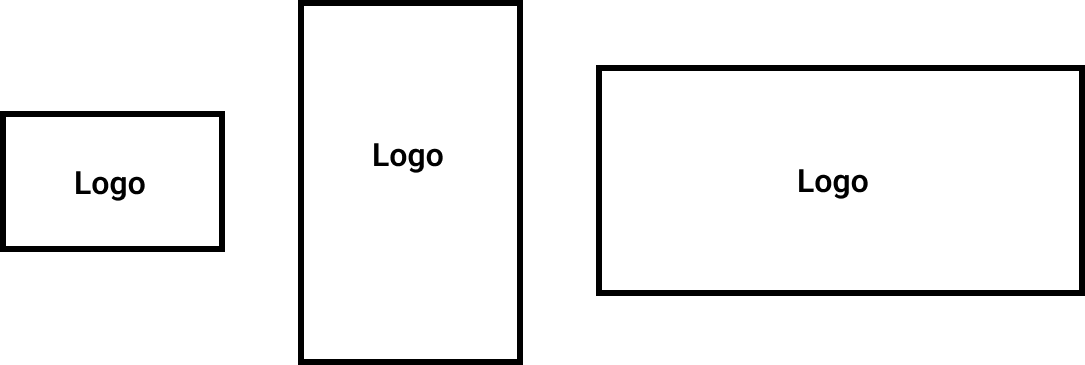
Logo proportions: Support 1:1, 1.5:1, 2:1 (default), 2.5:1, and 3:1 aspect ratios.
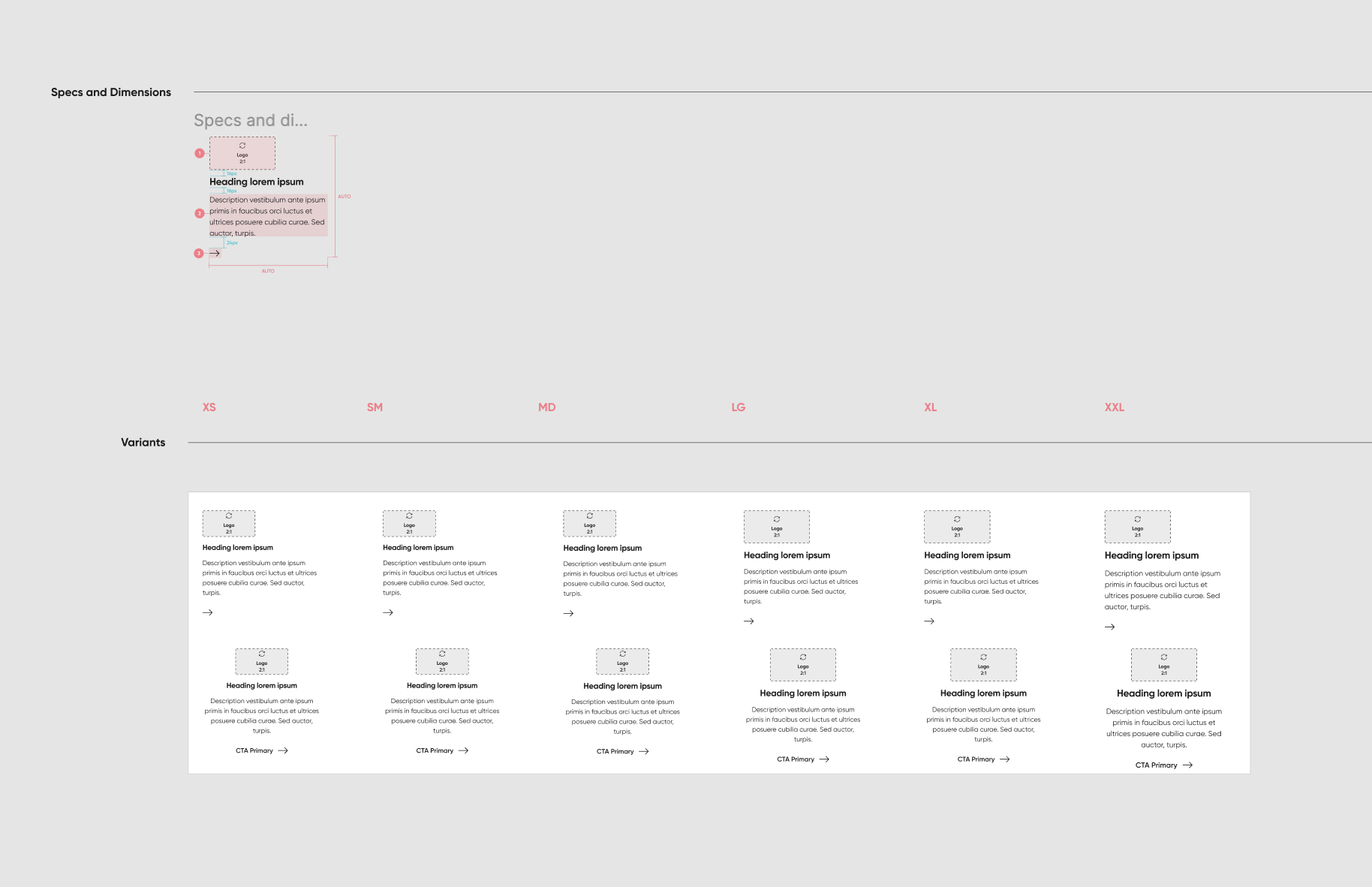
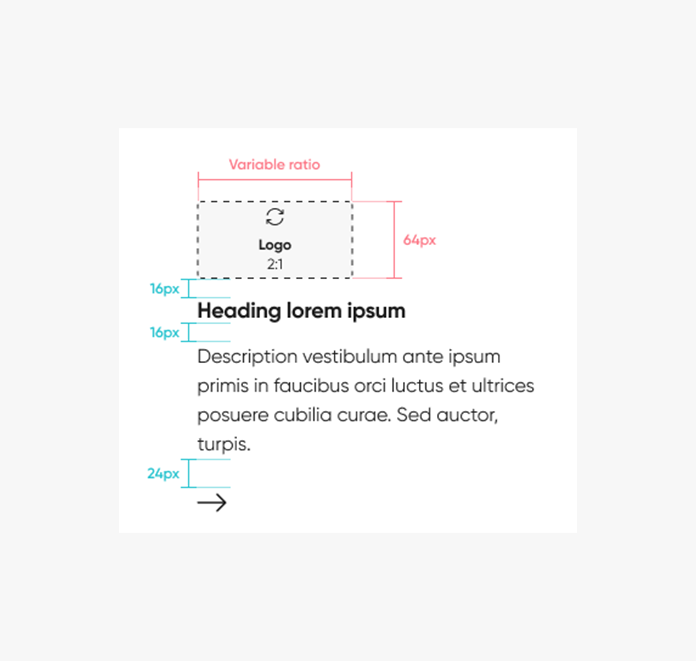
Logo sizing: Define consistent image widths of 64px for XS–MD and 80px for LG–XXL.
Alignment: Support left-aligned default and center-aligned secondary layouts.
Content flexibility: Allow optional headings and CTA buttons.
Responsive behavior: Maintain consistent spacing and alignment across screen sizes.
Reusable specifications: Establish clear rules for component properties and variants to support consistent design and development handoff.

Logo Block Requirements
Advantages of the approach
Uniformity: Ensures a consistent and cohesive appearance of logos across different sizes.
Versatility: Provides flexibility with five logo variations, accommodating diverse logo sizes and shapes.
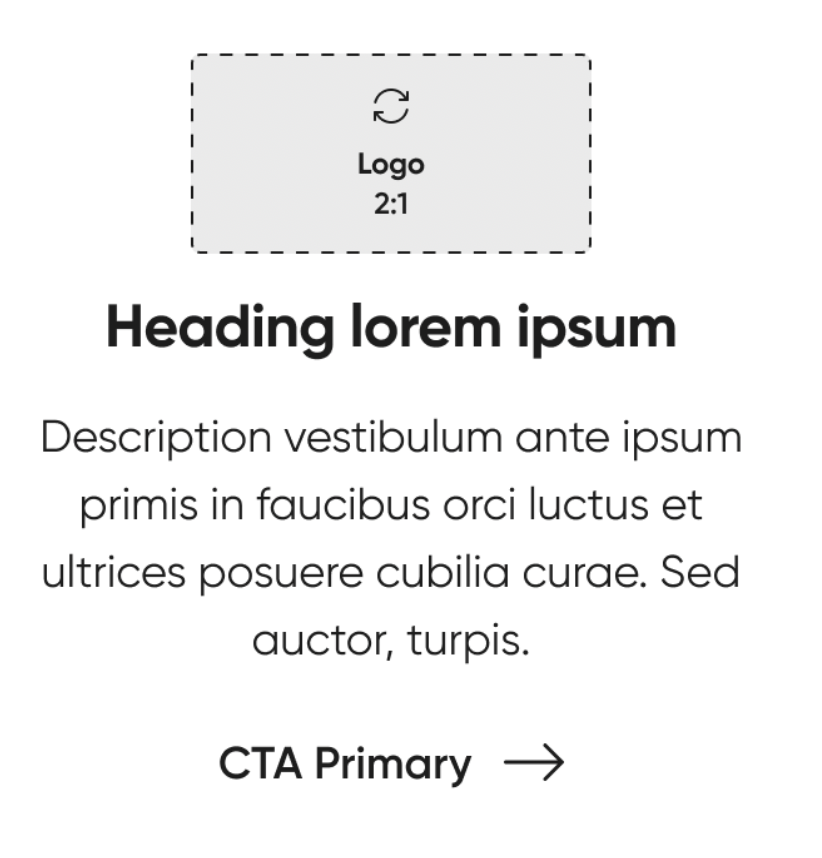
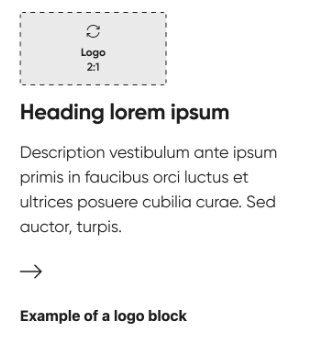
Adaptability: Tailors each logo to different ratios while maintaining a standardized 240px for seamless integration.
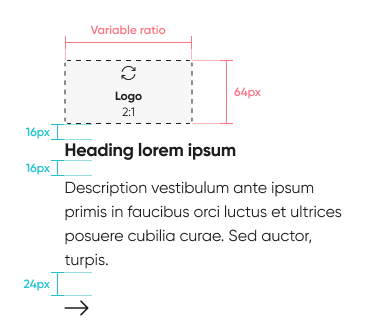
Reflection
When building the component, I focused on the details that make it easy to use and scale, including naming, sizing, spacing, and behavior.
I defined how the logo and content adapt across screen sizes and how the component responds to different interactions. I also aligned labels, icons, and buttons with existing design patterns to keep everything consistent.
By establishing clear rules for size, spacing, and styling, the Logo Block could fit seamlessly into the larger design system and create a more consistent experience across the website.
Logo block Documentation
I added logo block to our internal documentation site for other designers and developers to view.
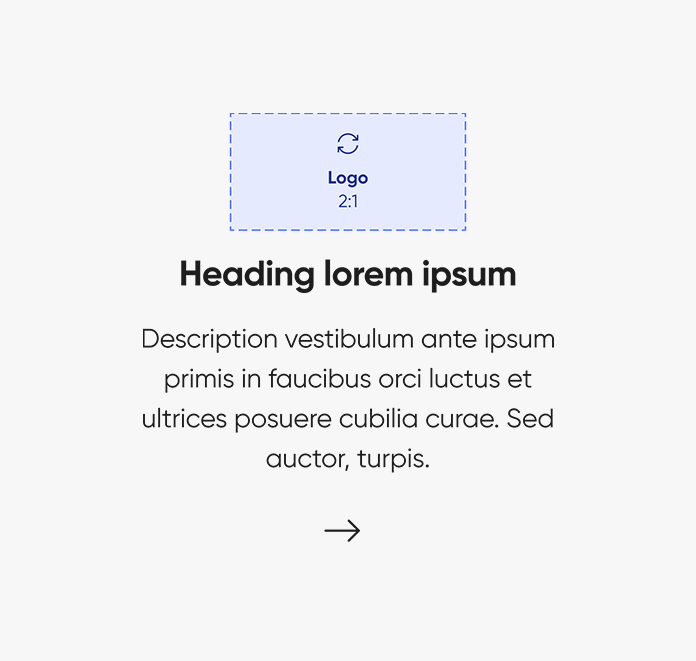
You can use the logo block component to display a logo and description. It can only be nested inside more complex components, such as carousel. The logo block includes a logo with optional heading description and call to action (CTA). The logo block canvas height is set at 240px, with the width scaled proportionally. There are five template frames available based on the width and height of the logo. The text wraps responsively to the width of its parent container. There are two options for alignment shown above, left and center aligned. For each breakpoint, the heading and description font sizes, along with the logo, adapt dynamically at every breakpoint to suit various layout widths and screen dimensions.